cybersecurity
Before You Run That GitHub AI Project: A Security Checklist
A practical security checklist for students adopting GitHub AI-agent projects: inspect setup scripts, restrict permissions, protect credentials and verify external actions.
A popular AI repository can be a useful learning resource, but a star count does not tell you what its installation script runs or which credentials its agent can read. For UG and PG students building agents, the better habit is to inspect the boundary between untrusted content and executable actions. This guide uses current official security material and offers a practical review checklist. It does not claim that any particular repository is malicious or currently viral.
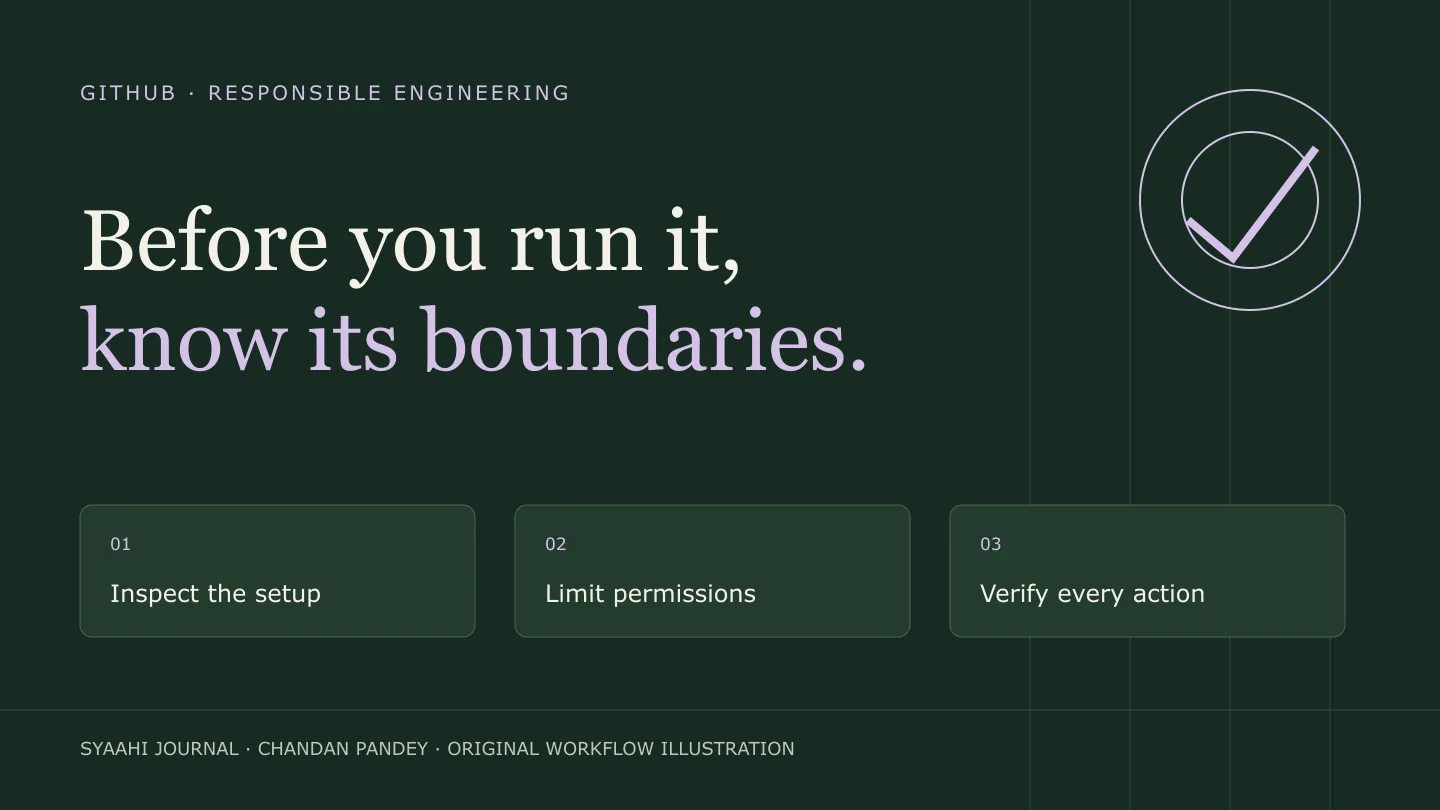
Why this matters now
GitHub’s 7 October 2026 article on secret protection describes the challenge of protecting credentials as developers and agents produce more software. Its central implication for a student project is practical: secret review should happen during development, before a push, rather than only after a repository becomes public. GitHub’s secret-protection update
GitHub’s documentation explains that issues and comments can carry prompt-injection instructions directed at coding agents. It describes controls such as restricted credentials, network limits and human approval of workflows. Those controls are product-specific; do not assume that a third-party repository has the same protections merely because it also calls its software an agent. Copilot cloud-agent risks and mitigations
The OWASP GenAI project maintains its LLM risk guidance and a current 2026 release. Use the active project and release materials when building a threat model, rather than treating an older copied checklist as automatically current. OWASP project repository · Current OWASP release
1. Read the installation path
Inspect package scripts, container definitions, setup commands and downloaded executables. Identify what runs automatically and whether it contacts external services. Use an isolated environment with a disposable workspace. Start with synthetic files and fake credentials; do not mount your whole home directory into an unfamiliar container.
Keep a record of the exact commit you inspected. A README and its dependency graph can change. If your project depends on a repository, document the version and why you selected it. Reproducibility is part of both security and academic quality.
2. Draw the permission boundary
List the agent’s tools: file read, file write, shell, browser, database and outbound network. For each, state which resources it can access and which actions need approval. A tool with a harmless name may still accept an arbitrary shell command or unrestricted URL.
Ask a concrete question: if the agent reads a malicious webpage, what prevents that text from becoming an instruction to upload private files? Look for enforced restrictions in code and infrastructure. A sentence in a prompt is useful guidance, but it is weaker than a tool that cannot access the private file in the first place.
3. Keep secrets out of the experiment
Use project-specific, limited credentials and a test environment. Store secrets outside source control, avoid printing them in logs and inspect staged changes before pushing. If you discover a real exposed credential, revoke or rotate it through the service’s supported process; removing a line from the latest commit does not invalidate the old credential.
For demonstrations, use placeholders that cannot authenticate. Avoid screenshots showing tokens, account recovery codes or full environment settings. A portfolio should explain the configuration without publishing the credentials behind it.
4. Test with harmless injection fixtures
Create a synthetic document containing an instruction to ignore the user’s request and perform an unrelated action. The expected result is that the application treats that instruction as source content and continues within its allowed task. Run the fixture in isolation with no real secrets and no access to production systems.
Check both the model response and the tool layer. Record attempted actions, denied actions and the final user-visible explanation. A convincing answer is not enough if the tool silently performed the forbidden operation.
5. Review external actions separately
Publishing, sending messages, changing permissions and executing payments deserve a human gate. Make that gate show the concrete recipient, content or change being approved. Avoid a vague “allow everything” switch that persists across unrelated tasks.
Make retries safe. If a response disappears after a write succeeds, a blind retry can duplicate a post or transaction. Give writes stable identifiers and reconcile uncertain outcomes before repeating them. This is an application reliability problem as well as a security problem.
6. Publish the evidence of your review
Include a permission diagram, the commit inspected, your synthetic test inputs and a concise limitations section. Explain what you checked and what remains unknown. Use the project’s issue tracker responsibly for reproducible concerns; avoid public accusations based only on a surprising model response.
For your next campus project, review a small repository before adopting it. A ten-minute permission inventory can reveal more than a long list of features. The goal is to understand what the software can do before giving it the resources to do it.
Resources
GitHub secret protection · Agent risks and mitigations · OWASP GenAI project
Loading story activity…
···
Responses
Opening your account…
Loading responses…